
Modern design
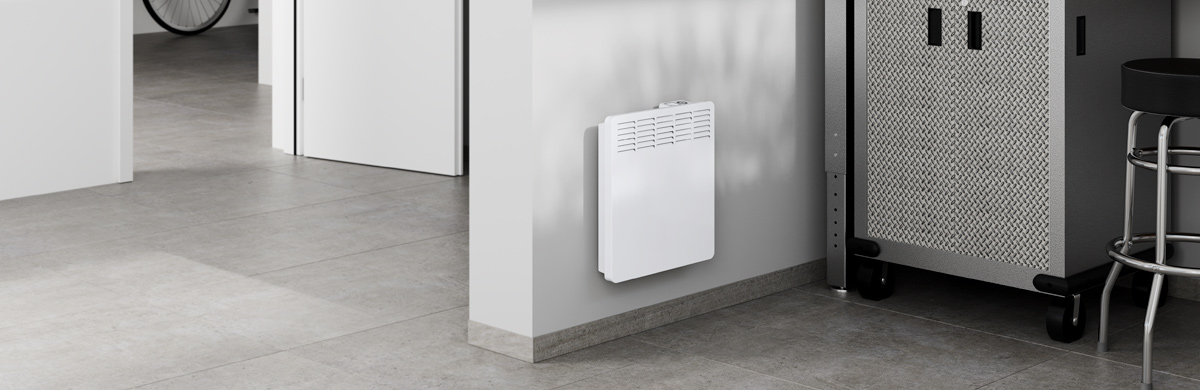
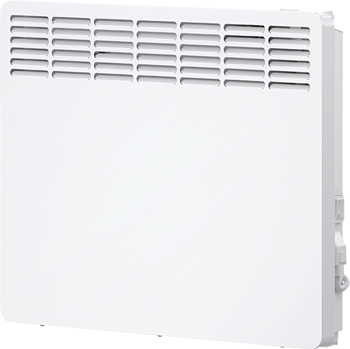
CNS Trend and Plus are modern surface-mounted convection heaters. The sleek European slimline design works for stand-alone installation or makes an effective, efficient replacement for traditional baseboard heaters, accomplishing the same heating using significantly less room.
Naturally silent
CNS heaters use natural convection for draft-free operation. Cool room air flows in the bottom of the unit, is warmed by the heating element, and rises silently out the top to heat the room. The CNS is designed with a frost protection setting. The lowest thermostat setting will maintain an appropriately-sized room above freezing temperatures. Overheat protection is built in.
Heating flexibility
With its built-in thermostat, a single CNS is perfect as a stand-alone heating system in bathrooms or small rooms. Multiple CNS units can be placed strategically in larger spaces and their temperature settings adjusted individually for maximum comfort control. If desired, CNS Trend heaters may be wired to use a remote line voltage thermostat. Remote thermostats are not recommended for CNS Plus models.
Stiebel Eltron quality
The CNS Trend and Plus were engineered by Stiebel Eltron in Germany and are manufactured to Stiebel Eltron worldwide standards in our plant in China.
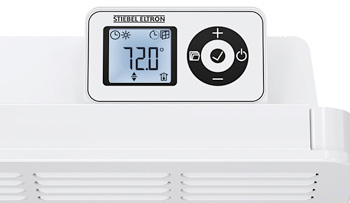
CNS Plus features backlit display screen
CNS Plus models feature a backlit digital interface with a useful suite of features that puts easy adjustments and more advanced functions like frost protection and night mode at your fingertips.
CNS Plus user interface display video overview
Note: The positioning of buttons relative to the display screen may differ slightly than shown. All the information shown on the display screen, and how the buttons work are exactly the same.